Watch the following video to see how Feedback Studio can import rubrics or export them for use in other courses.
Or follow the instructions below.
Exporting a Rubric
Use this when you have built a rubric and want to give the file to a fellow instructor.
- In the Rubric Manager, click the menu icon in the top left and select the rubric you wish to share.
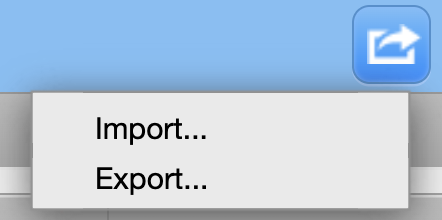
- Click the Export/Import icon (box with an arrow) in the top right corner.
- Select Export.
- An .rbc file will download to your computer. You can now email this file to your colleague.
Importing a Rubric
Use this when a colleague has sent you a rubric file or you have a saved .rbc file from a previous semester.
- Launch the Rubric Manager from any Turnitin assignment.
- Click the Export/Import icon in the top right and select Import.
- Drag and drop the
.rbcfile into the upload area or click “Select files” to browse your computer. - Once the green checkmark appears, click the Back arrow to view your newly imported rubric.