It is very easy to move content around in Moodle. You can easily rearrange sections or files within your Moodle course.
If you want to change the order of files within a section, first make sure editing is turned on by clicking Turn Editing On at the top right of your Moodle page.

You should now have the option to click and drag each item into the desired position.
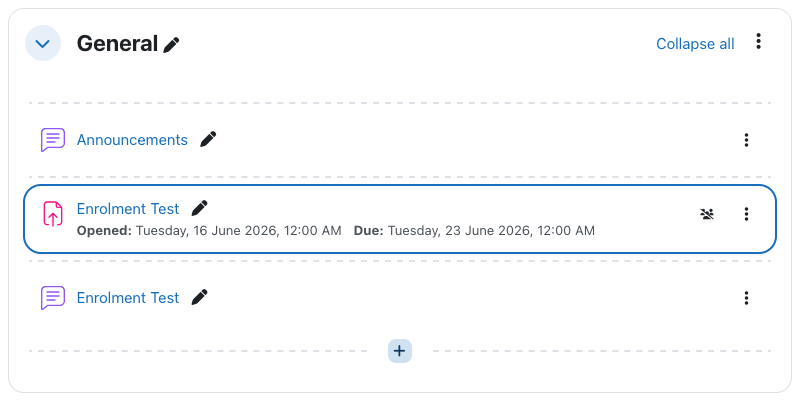
There is no need to save, Moodle will automatically save your changes when moving content around your Moodle page.