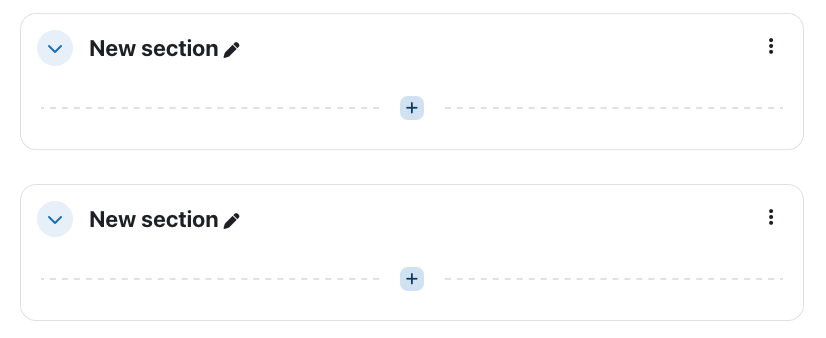
By default, Moodle creates sections within your course to organize content. You can rename each new section as needed. They may be customized such as Chapter 1, Week 1, Introduction to Pottery, etc.
To change a New Section title:
1. Make sure editing is on by clicking the Turn Editing On button located in the top right corner of your course page.

2. Navigate to the section you wish to change, and click on the pencil icon that is located to the right of the New Section title.
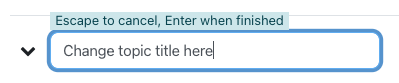
3. Type your desired title into the text box, then hit Enter or Return on your keyboard.
You should now see the section reflect the title you provided.