

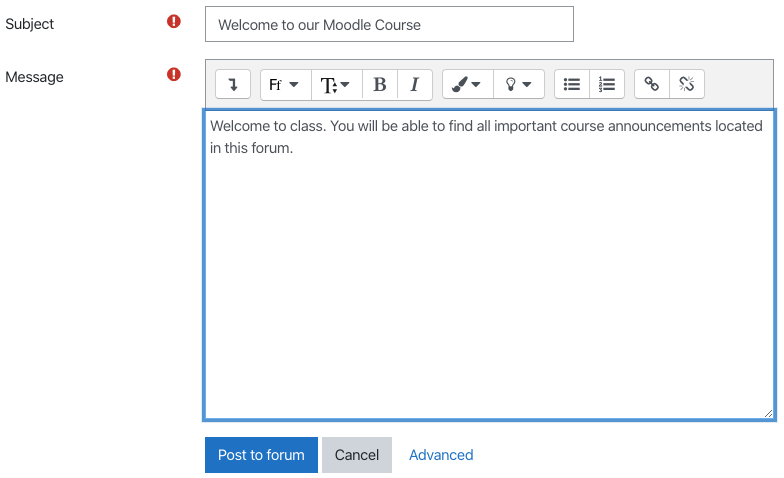
 You will then be able to compose your message as you would an email. Give the subject a title, and then type in your message. Once you are ready to send this message out to students, you may then hit Post to Forum.
 Once you click on Post to Forum, the message will be emailed out to students. As mentioned this is a one-way communication tool, so the students will receive the email but will not be able to reply to the message.
Once you have your message posted, it will remain on Moodle, under the Announcements section. This will allow students to refer back to all messages throughout the term. You will see options under your message such as reply, note that only you as the instructor will be able to reply to messages here. Students are not able to respond to these announcements in Moodle.
Once you click on Post to Forum, the message will be emailed out to students. As mentioned this is a one-way communication tool, so the students will receive the email but will not be able to reply to the message.
Once you have your message posted, it will remain on Moodle, under the Announcements section. This will allow students to refer back to all messages throughout the term. You will see options under your message such as reply, note that only you as the instructor will be able to reply to messages here. Students are not able to respond to these announcements in Moodle.
