
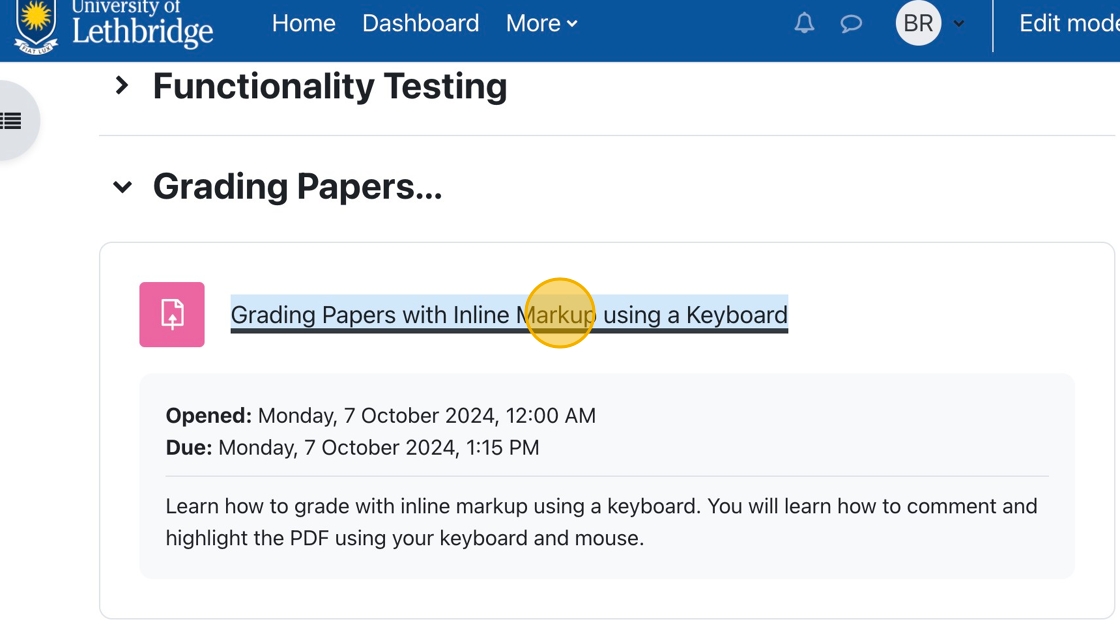
1. Click on the assignment you wish to grade in your course.
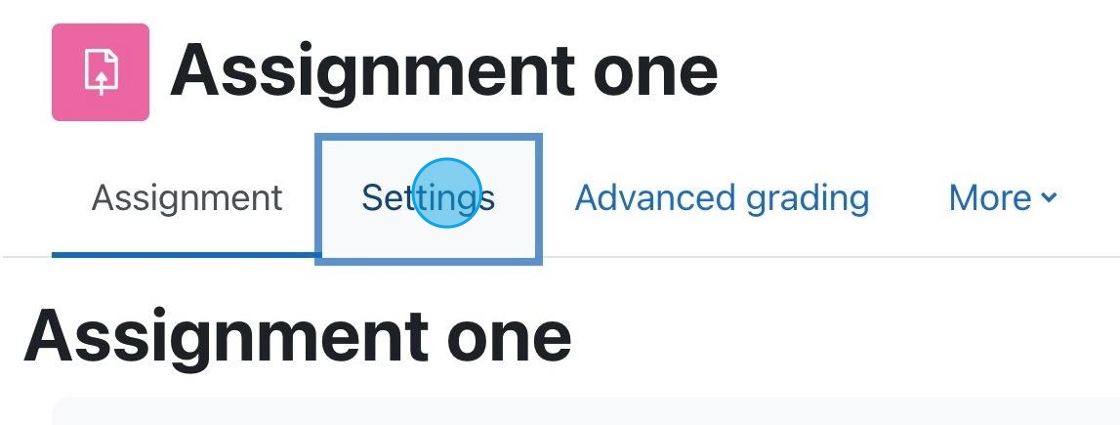
1. If you have an assignment for which you want to accept PDF submissions, click “Settings.”

Moodle is capable of providing detailed statistics of your Moodle exam. If you are interested in getting an overview of your exam results you can access the statistics for the exam quite easily.

When you set up an Assignment Drop Box in Moodle you are able to upload a file back to students with feedback for grading purposes.

You can submit your final grades directly from Moodle to the Bridge (Registrar’s Office). This is very convenient if you have a large class size.
In order to submit final grades, the instructor of record must be logged into the course.

Crowdmark has moved from a static sidebar layout to a dynamic, floating interface. This allows for a “Focus Mode” where the tools only appear when you need them, maximizing the visibility of student work.
When you use the Moodle Quiz Tool, a lot of the question types are automatically graded for you. (Multiple Choice, True & False, Matching, etc)

Settings for Using Inline Comments on Assignments
1. In the assignment, you wish to allow inline commenting. Click on the Settings tab.