By default, Moodle creates sections within your course to organize content. You can rename each new section as needed. They may be customized such as Chapter 1, Week 1, Introduction to Pottery, etc.
Instructor Tutorials
Uploading Multiple Files in Moodle

If you have multiple files you wish to add to Moodle, rather than uploading each file individually, you can zip the folder containing those files and upload the zipped file into Moodle.
Creating a Crowdmark Assessment
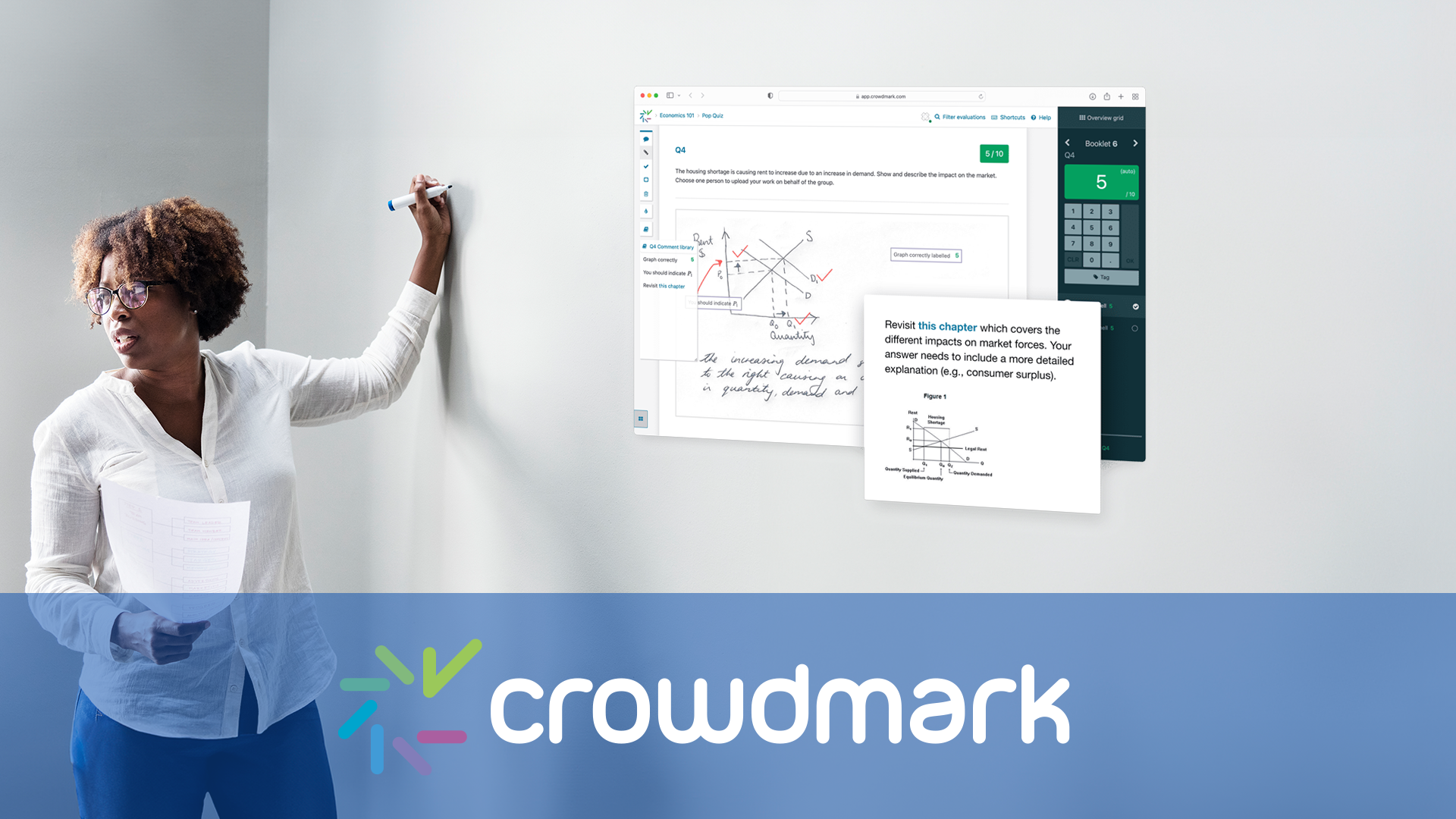
The following tutorials will teach you how to set up and assessment using Crowdmark.
Students Can’t Access Moodle Home-based Exams
If you are giving an exam on Moodle that is open to take from anywhere, and students are unable to access the exam, you may want to first troubleshoot these two steps.
Grading with File Feedback in Assignment Drop Box

When you set up an Assignment Drop Box in Moodle you are able to upload a file back to students with feedback for grading purposes.
Moving Content in Moodle and Changing File Order
It is very easy to move content around in Moodle. You can easily rearrange sections or files within your Moodle course.
If you want to change the order of files within a section, first make sure editing is turned on by clicking Turn Editing On at the top right of your Moodle page.

You should now have the option to click and drag each item into the desired position.
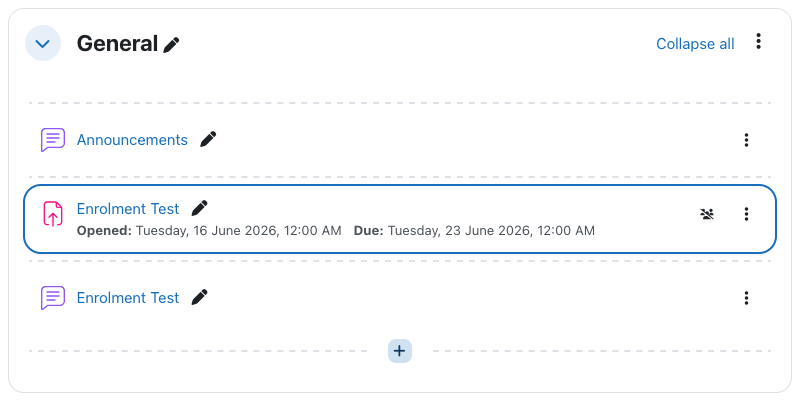
There is no need to save, Moodle will automatically save your changes when moving content around your Moodle page.
Randomizing Quiz Questions in Moodle

When adding questions to a quiz in Moodle you can choose to keep those questions in order, randomly select from categories, or create new questions as you go along. In this tutorial, we will show you how to randomize questions in your Moodle quiz.
How to Release Quiz Grades to Students

This tutorial will show you how to release your exam marks to students. (this can also include any feedback given to students on the exam)
Changing the Letter Grade Scale

Moodle has a default letter grade scale which may or may not reflect the scale of your course letter grades.
You can very easily change the scale to reflect your course.
Submitting Final Grades
You can submit your final grades directly from Moodle to the Bridge (Registrar’s Office). This is very convenient if you have a large class size.
In order to submit final grades, the instructor of record must be logged into the course.