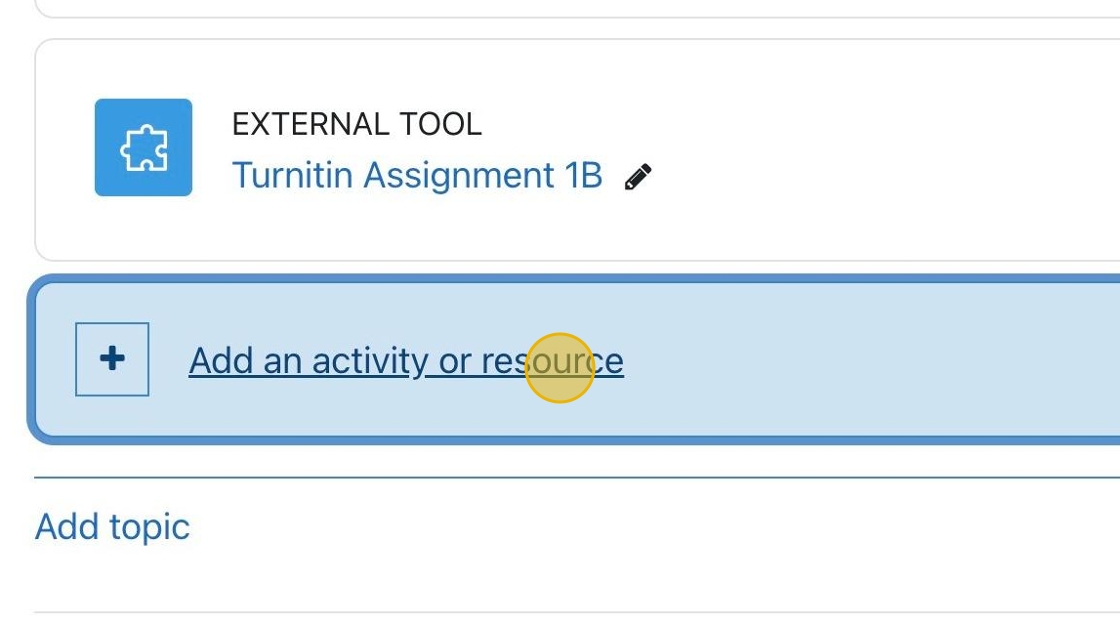
1. Click “Add an activity or resource.”
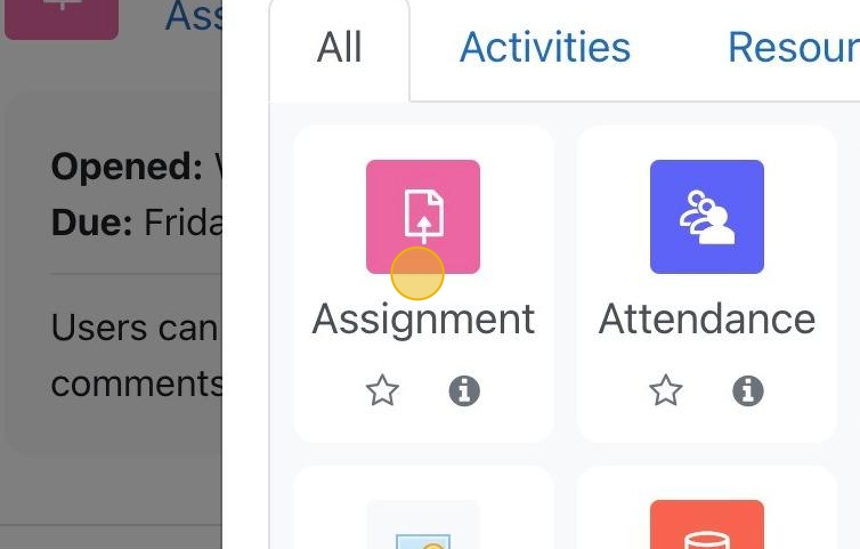
2. Click “Assignment”
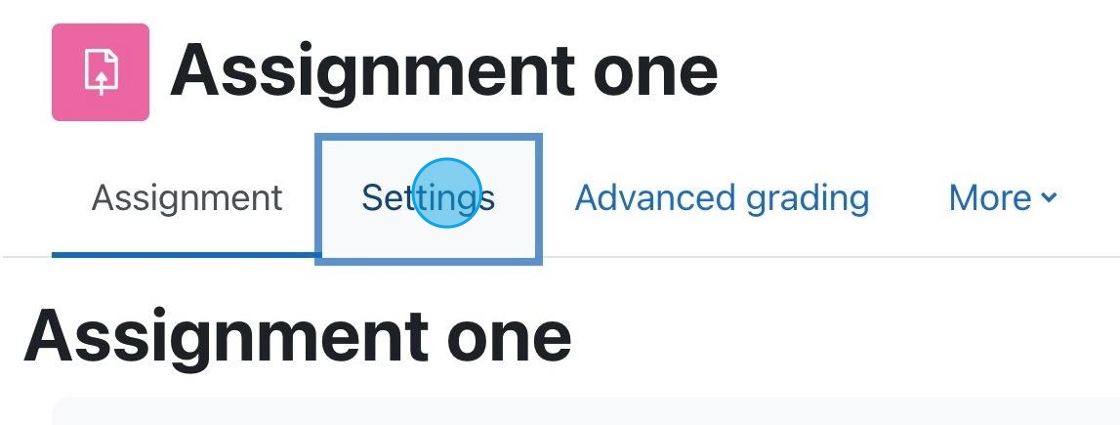
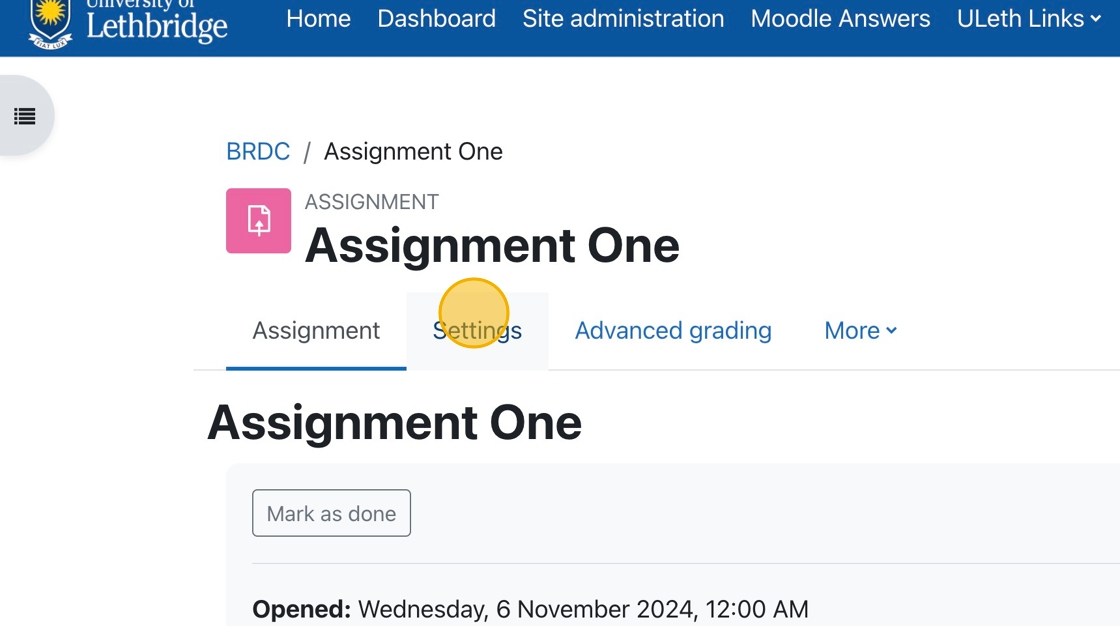
1. If you have an assignment for which you want to accept PDF submissions, click “Settings.”
The following tutorials will teach you how to set up and assessment using Crowdmark.

When you set up an Assignment Drop Box in Moodle you are able to upload a file back to students with feedback for grading purposes.
Making sure the grade maximum in Moodle is the same as the grade maximum in Crowdmark.
Moodle has an Assignment Tool which allows for students to download/view the assignment in Moodle, as well as upload their assignment file into Moodle to be graded.

This tutorial will walk you through the steps you need to take to sync the Crowdmark and Moodle Rosters.

How To Grade Assignments and Provide Feedback with inLine Comments
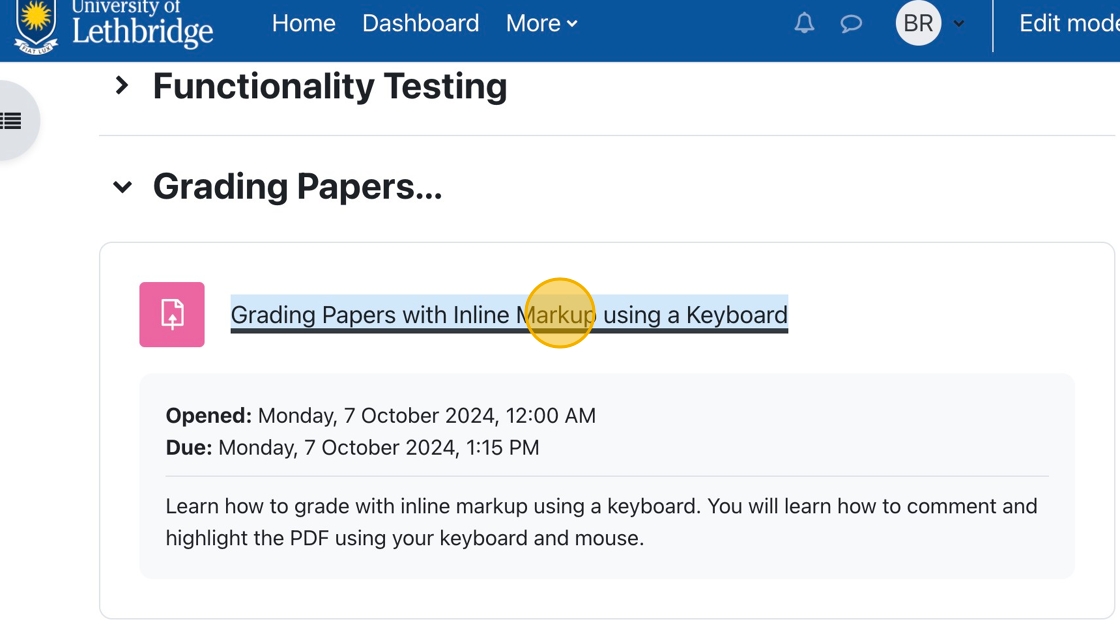
1. In your course, click on the assignment for which grading is required.
2. You can click “View all submissions ” to choose a specific student to grade.