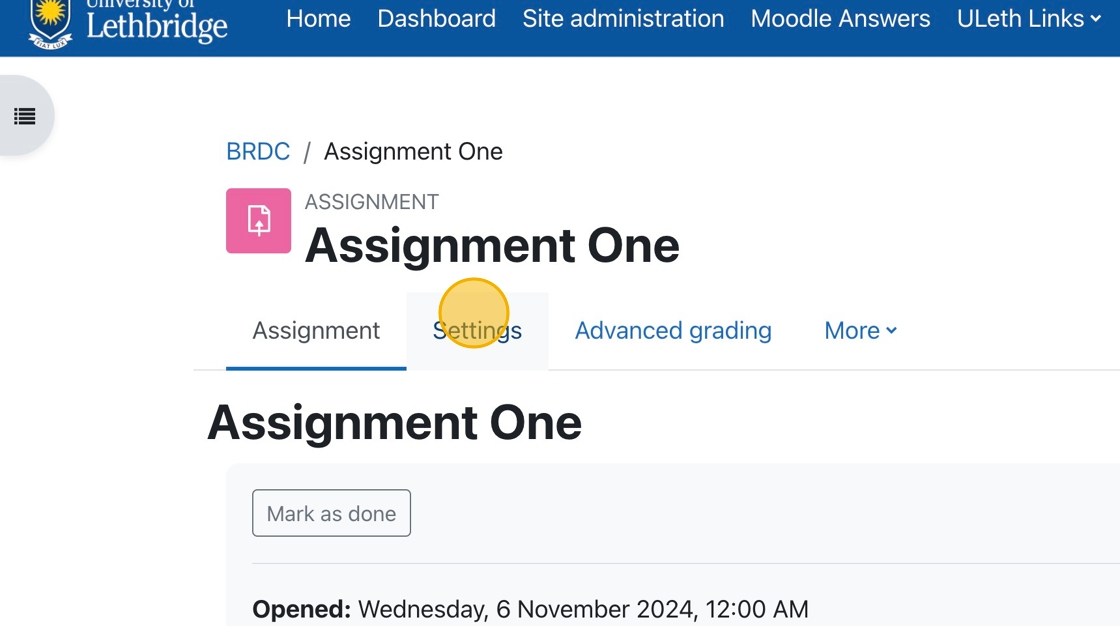
1. In the assignment, you wish to allow inline commenting. Click on the Settings tab.
The following tutorials will teach you how to set up and assessment using Crowdmark.
Making sure the grade maximum in Moodle is the same as the grade maximum in Crowdmark.

This tutorial will walk you through the steps you need to take to sync the Crowdmark and Moodle Rosters.

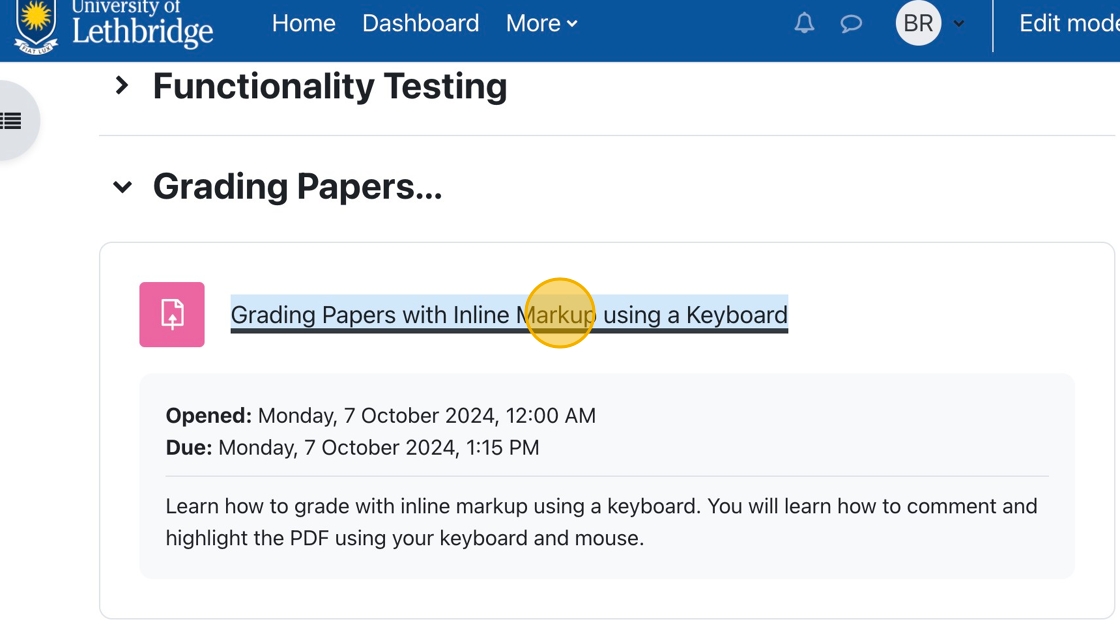

How To Grade Assignments and Provide Feedback with inLine Comments
1. In your course, click on the assignment for which grading is required.
2. You can click “View all submissions ” to choose a specific student to grade.