
1. This button chooses which colour the drawing tools will use.

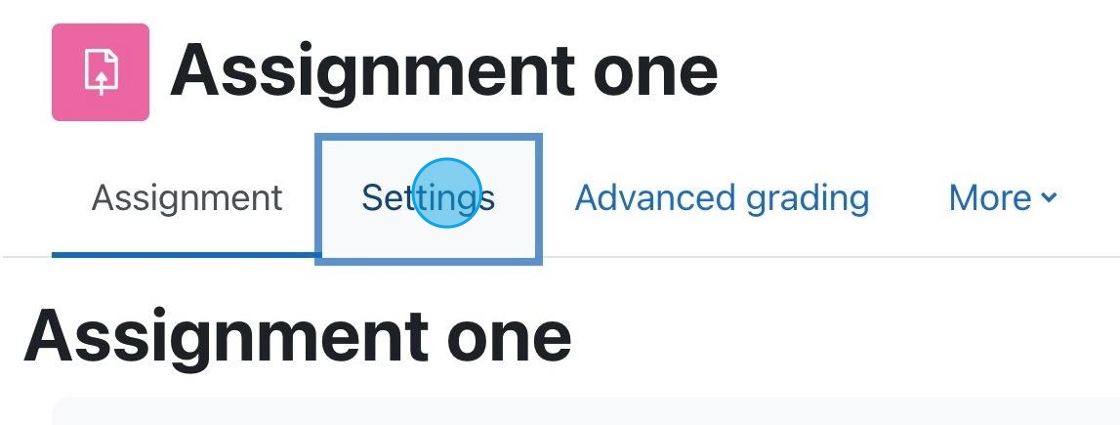
1. If you have an assignment for which you want to accept PDF submissions, click “Settings.”

Each Moodle course has a default forum called Announcements. This is not like most forums, it is a one-way communication tool for the instructor to relay information to students.

If you have a course previously taught in Moodle it is very easy to get your content moved over into a future/current semester. You are not required to create your online course component from scratch every semester, we can move your pervious course over to edit and revise as needed.
You will notice that when you login to the Moodle dashboard that you have access to the last semester from the drop down list available in the dashboard.
(more…) No Fields Found.

Each semester you must agree to the Site Policy Agreement in order to use Moodle.

As we enter a new semester it is always important to make sure your course it set up properly and that the course is visible to students.
Be sure to visit the following link for a tutorial on how to set your course visibility.

Instructors planning to have their students take a Moodle exam in the Testing Centre should review the information below.
This page will outline how the Testing Centre operates, what is required for exams, and provide information on the process.
NOTE: The Testing Centre is reserved for Moodle-based exams. Paper-based exams or external exams are not invigilated in the space.

You may be asked to enrol yourself into a course on Moodle. Below we will provide an explanation on how this process works.

You may wish to add instructions or a description to a set of questions on a Moodle quiz.

Moodle is capable of providing detailed statistics of your Moodle exam. If you are interested in getting an overview of your exam results you can access the statistics for the exam quite easily.