1. Navigate to the assignment you are grading.
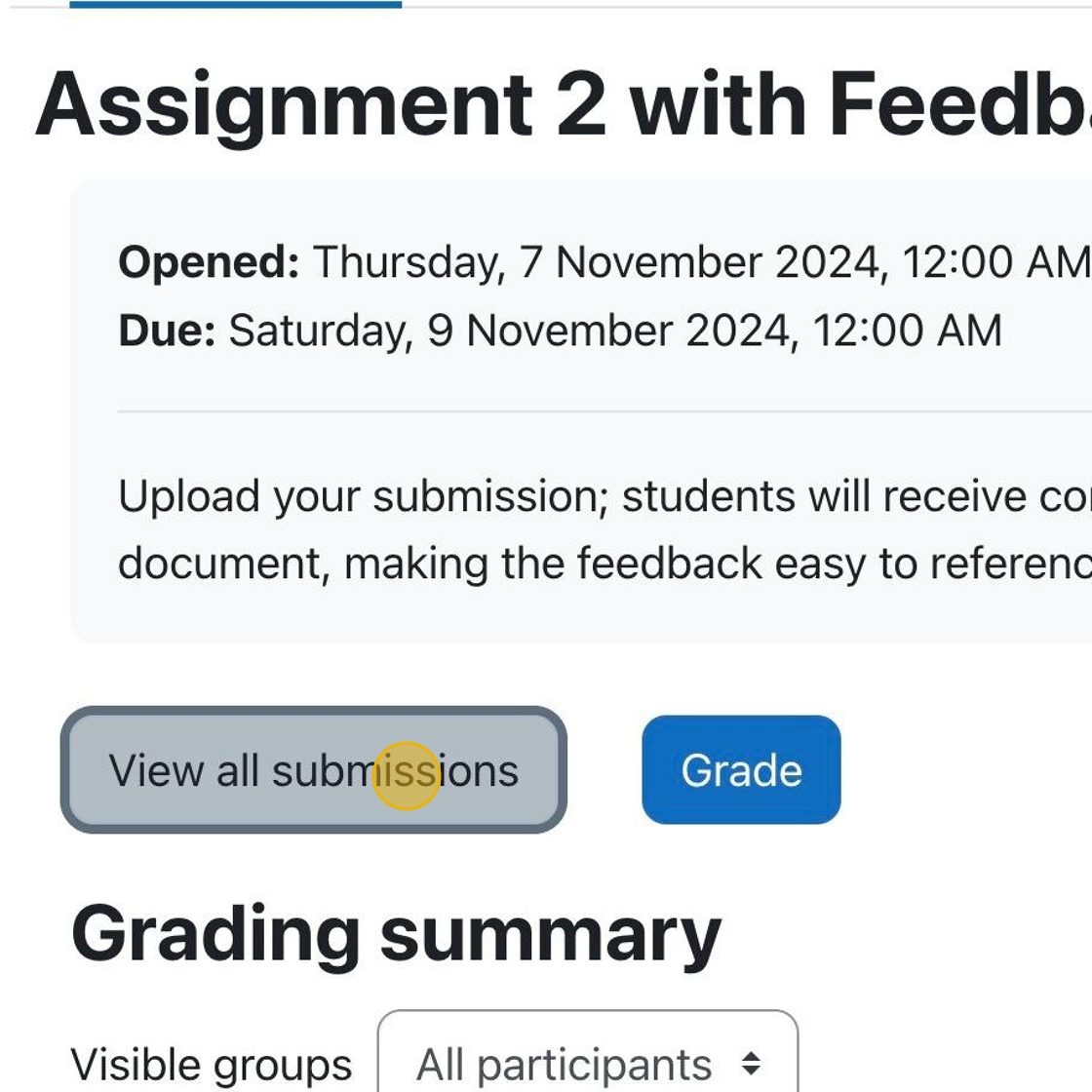
Click “View all submissions.”

1. If the assignment is graded and feedback is released, students can click on the assignment link to see their grades and any feedback given to them.
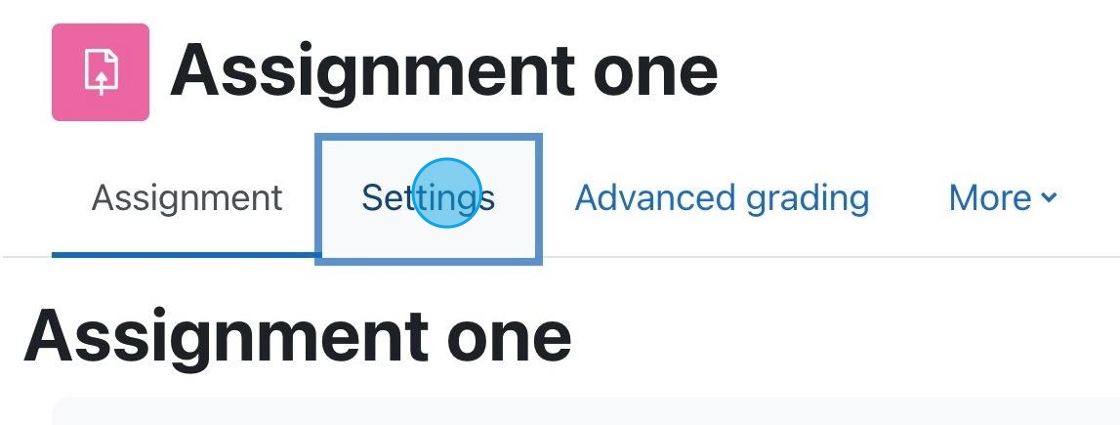
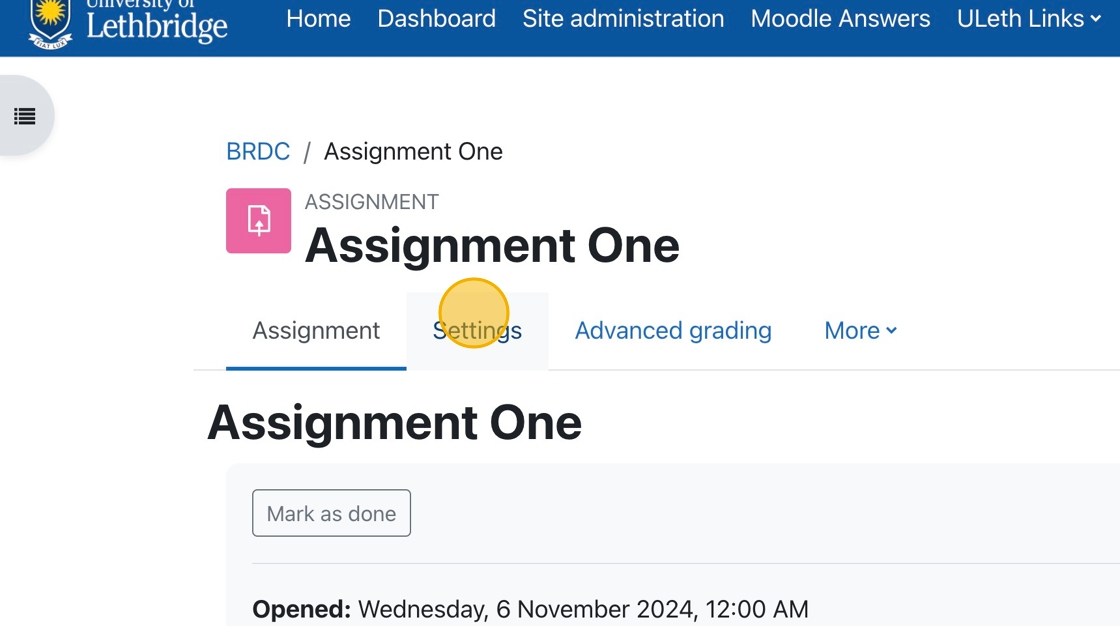
1. If you have an assignment for which you want to accept PDF submissions, click “Settings.”

Each Moodle course has a default forum called Announcements. This is not like most forums, it is a one-way communication tool for the instructor to relay information to students.

If you have a course previously taught in Moodle it is very easy to get your content moved over into a future/current semester. You are not required to create your online course component from scratch every semester, we can move your pervious course over to edit and revise as needed.
You will notice that when you login to the Moodle dashboard that you have access to the last semester from the drop down list available in the dashboard.
(more…) No Fields Found.


How To Grade Assignments and Provide Feedback with inLine Comments
1. In your course, click on the assignment for which grading is required.
2. You can click “View all submissions ” to choose a specific student to grade.