
1. This button chooses which colour the drawing tools will use.

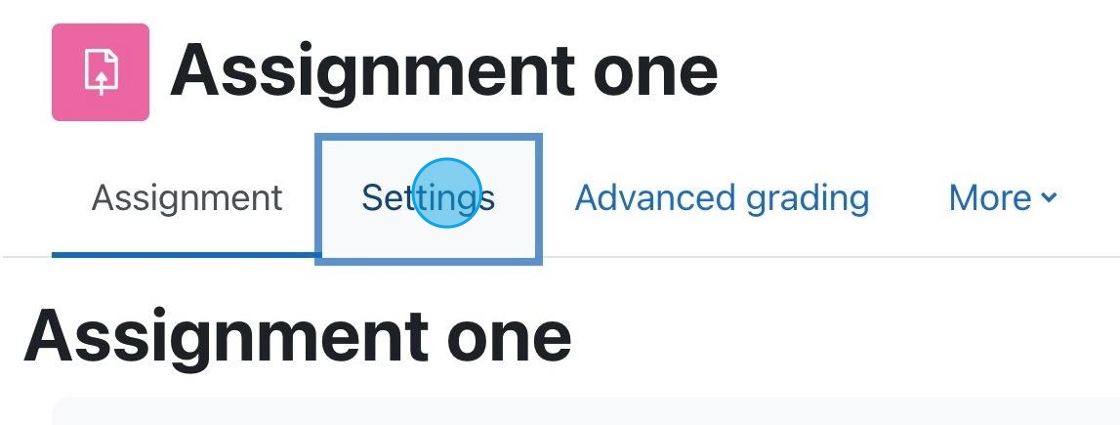
1. If you have an assignment for which you want to accept PDF submissions, click “Settings.”

Each Moodle course has a default forum called Announcements. This is not like most forums, it is a one-way communication tool for the instructor to relay information to students.

Each semester you must agree to the Site Policy Agreement in order to use Moodle.

As we enter a new semester it is always important to make sure your course it set up properly and that the course is visible to students.
Be sure to visit the following link for a tutorial on how to set your course visibility.

This article will walk you through the difference between the following resource items: Files, Folders, Pages, Labels, IMS packages, and URL’s. It will help you understand why you may want to use one resource type over another.

Moodle allows you to add a variety of files and activities to course sections. This tutorial will specifically show you how to add a syllabus to your Moodle course.

If you have a Teaching Assistant, you can give them access to your Moodle course to assist in grading or content management.
By default, Moodle creates sections within your course to organize content. You can rename each new section as needed. They may be customized such as Chapter 1, Week 1, Introduction to Pottery, etc.

If you have multiple files you wish to add to Moodle, rather than uploading each file individually, you can zip the folder containing those files and upload the zipped file into Moodle.